

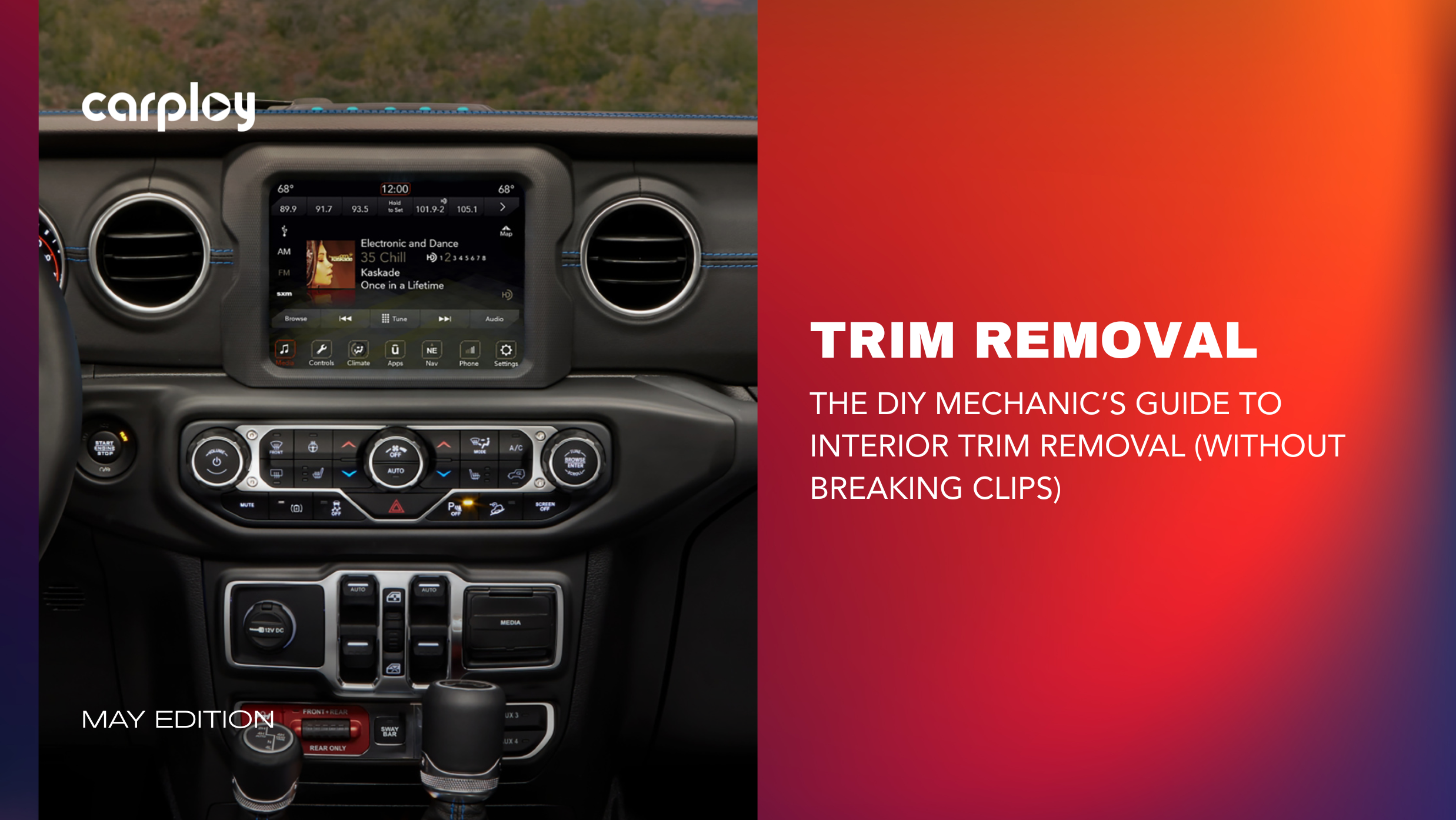
You know the feeling. You’ve just purchased a plug-and-play Apple CarPlay upgrade for your truck. You’re excited to swap out that dated factory screen, but as you pry the dashboard bezel apart, you hear it. A sharp CRACK.
Upgrading your infotainment system or replacing a cracked LCD digitizer shouldn't cause damage. At CarPlayNav, we design our upgrades to fit seamlessly into your factory dash. Getting to the stereo just requires a little patience and the right technique. Here is how the pros remove interior trim panels cleanly and without breaking a single clip.
The Secret to Damage Free Disassembly
Factory dashboards are secured by hidden screws and friction-fit plastic or metal clips. The secret to removing them damage-free comes down to leverage and temperature.
Plastic becomes incredibly brittle when cold. If you try to pry open a dashboard on a freezing morning, the tabs will snap. Always work in a warm environment or run your vehicle’s heater for a few minutes to make the cabin plastics pliable and forgiving.
Put the Screwdriver Away
Never use a metal flathead screwdriver. Metal gouges soft vinyl and scratches painted trim. Instead, use a dedicated nylon non-marring panel tool set. These tools provide enough leverage to release clips but are softer than your car's interior plastics, keeping your dash scratch-free.
Step-by-Step Checklist for Trim Removal
Before you pull or pry, follow this quick diagnostic checklist to ensure a clean removal:
- Disconnect the Battery: Disconnect the negative battery terminal to avoid accidental short circuits around the infotainment stack.
- Locate Hidden Fasteners: Manufacturers hide screws behind rubber mat liners in cup holders, underneath climate controls or behind small access caps.
- Find the Starting Gap: Insert your nylon wedge tool into the widest natural seam of the panel, typically at the bottom.
- Apply Steady Pressure: Do not pry outward at a harsh angle. Slide the tool near a clip location and pull straight back, parallel to the direction the clip is inserted.
- Listen for the "Pop": A healthy clip release sounds like a clean snap, not a grinding crunch. Work methodically around the perimeter.
Upgrade the Smart Way
Taking your time during teardown preserves that tight, rattle-free factory fitment when everything goes back together.
At CarPlayNav, we support your DIY spirit. We engineer premium, factory-style infotainment upgrades and replacement LCD screens for RAM, Jeep, Ford and GM for a perfect fit. Our proprietary wiring harnesses eliminate the need to cut factory electronics and our strict quality standards ensure your new system looks like it rolled right off the assembly line.
Ready to modernize your ride with seamless navigation? Explore our vehicle-specific upgrades today and get your project started right.
Talk to a Specialist
Not sure if your screen is repairable or if you’re better off with an upgrade? Our team is standing by to help you diagnose your specific issue and find the most cost-effective path forward.
Contact our support team here.

![Embellecedor de bisel para control de calefacción de radio UAM de camioneta Ram de 8.4" [Nuevo estilo DT]](http://carplaynav.com/cdn/shop/files/FordRearViewCameraImageRerouteHarness_1.png?v=1776699380&width=1024)


