

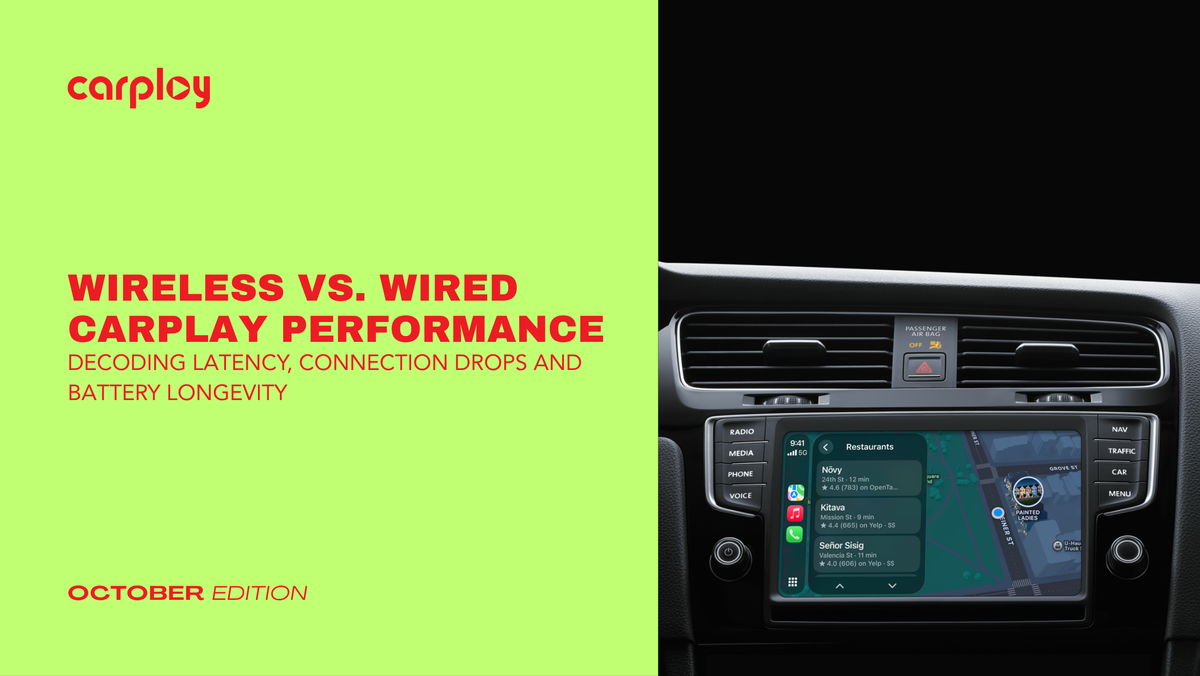
Picture this: You hop into your truck, start the ignition and wait for your dashboard to link up with your phone. Half the time, the wireless signal stutters, your map freezes mid-turn or your phone battery drops 20% by the time you reach the office. If you are tired of dealing with audio lag, random disconnects and a phone that overheats on your wireless charging pad, you are not alone.
Under the Hood: Wireless vs. Wired Performance
To understand why your dashboard occasionally glitches, we have to look at how data moves from your iPhone to your head unit.
The Wired Connection: Raw Speed and Stability
- Data Transmission: Uses a physical USB cable (Lightning or USB-C) to transmit both uncompressed audio/video streams and charging power simultaneously.
- Latency: Virtually zero. Commands register on your screen the millisecond you tap them.
- Reliability: Immune to cabin interference, Wi-Fi congestion and Bluetooth pairing drops.
The Wireless Connection: Convenience at a Cost
- Data Transmission: Relies on a hybrid handshake, initial Bluetooth pairing followed by a dedicated ad-hoc Wi-Fi network to stream high-bandwidth projection data.
- Latency: A fractional millisecond delay is inevitable due to Wi-Fi packet encoding and transmission overhead.
- Reliability: Susceptible to radio frequency interference from aftermarket dash cams, radar detectors and crowded urban airwaves.
 The Battery Longevity Dilemma
One of the most overlooked aspects of daily driving is how your phone handles power management during a commute.
- The Wireless Heat Trap: Running continuous Wi-Fi data streaming while your phone sits on a wireless charging pad generates substantial thermal energy. High temperatures accelerate lithium-ion battery degradation, leading to shorter overall battery health over the lifetime of your device.
- The Wired Advantage: A direct cable connection delivers stable, efficient power delivery without the thermal spikes associated with inductive wireless charging.
Diagnostic Checklist: Is Your Setup Failing?
If your current CarPlay setup is dropping connections or lagging, run through this quick diagnostic checklist before replacing hardware:
- Check Cable Integrity: If wired, frayed cables or off-brand aftermarket cords often lack the data transfer speeds required for stable CarPlay projection. Always use certified cables.
- Clear Wireless Interference: If wireless, turn off competing Bluetooth devices or reset your head unit’s network memory cache to clear out corrupted handshake logs.
- Inspect the Head Unit Firmware: Outdated factory software frequently struggles with newer iOS updates, causing handshake failures and random reboots.

Modernize Your Dash with CarPlayNav
If your factory infotainment system is sluggish, plagued by connection drops or lacks modern smartphone integration entirely, patching the symptoms won't fix the root cause. Upgrading to a premium, factory-style head unit engineered specifically for your vehicle's dash architecture is the definitive solution.
At CarPlayNav, we specialize in North American OEM radio upgrades, plug-and-play wiring harnesses and high-performance screens designed to drop right into your factory bezel without cutting wires or modifying your dashboard. Every unit is built for instant plug-and-play installation, giving you lightning-fast processing, zero-lag response times and rock-solid connectivity.
Ready to eliminate connection drops and modernize your drive? Explore our collection of premium factory-style CarPlay upgrades today and experience the road the way it was meant to be driven.


