

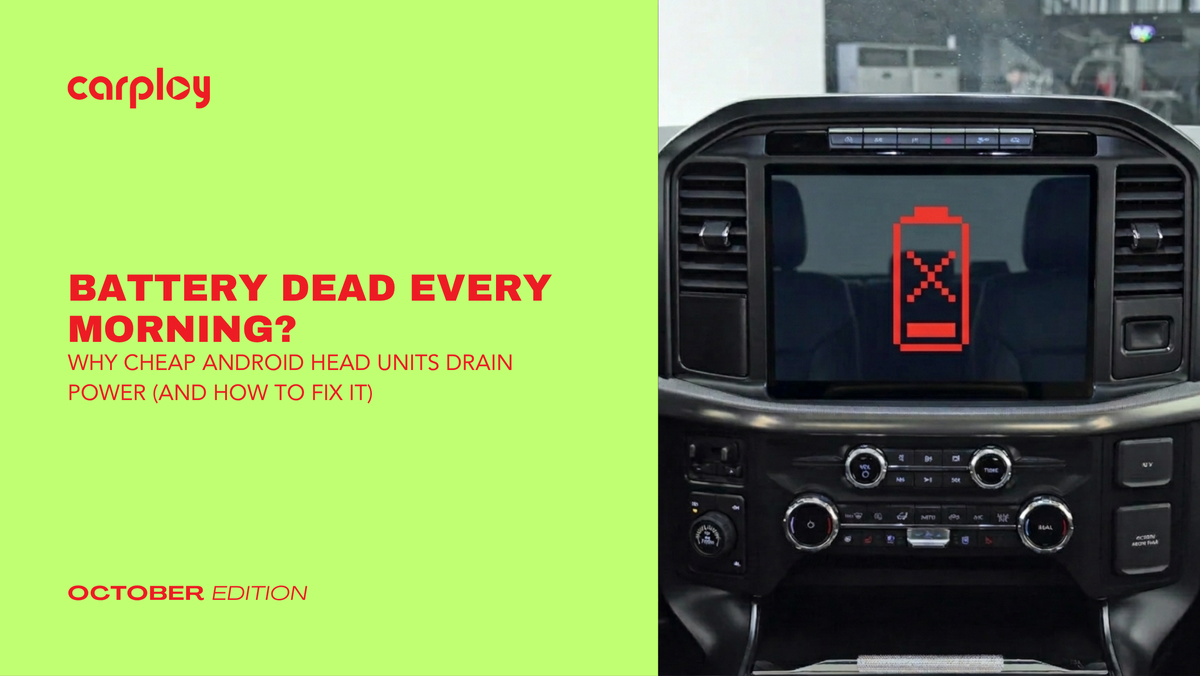
Nothing ruins your morning commute faster than turning the key or pushing the start button, only to be greeted by a clicking starter and a dead dashboard. If you recently installed an aftermarket Android head unit in your truck or car and noticed your battery dying after sitting overnight, you aren't alone.
Many drivers swap their factory radios for generic tablets promising endless apps, only to trade entertainment for parasitic battery drain. Understanding why this happens is the first step to keeping your electrical system healthy.
The Culprit: Standby Power Draw vs. Factory Logic
To understand why your battery is draining, you have to look at how your vehicle communicates with its electronics.
- The Factory Setup: OEM radios rely on a dedicated data bus network (like CAN-BUS) to receive a literal "sleep" command when you turn off the ignition, pull the key, and lock the doors. Once the network goes to sleep, the factory radio draws a negligible amount of power (usually under 50 milliamps).
- The Generic Android Problem: Many cheap, universal Android head units lack proper vehicle-specific CAN-BUS decoders or use poorly written firmware. Instead of truly shutting down, the unit enters a suspended "sleep mode" to boot up faster next time. This keeps the internal processor, Wi-Fi modules, and auxiliary circuits powered up continuously, pulling up to 300 to 500 milliamps from your battery around the clock. Over a weekend of non-use, that hidden draw is more than enough to leave you stranded.
How to Diagnose a Radio Parasitic Draw
If you suspect your new head unit is stealing power while your vehicle is parked, you can isolate the issue with a standard digital multimeter.
- Prep the Vehicle: Turn off the ignition, remove the keys, close all doors and let the vehicle sit for 15 to 20 minutes so all modules enter their natural sleep state.
- Set Up the Multimeter: Set your multimeter to measure DC amperes (A) or milliamps (mA) and connect the test leads properly (usually moving the positive lead to the 10A or mA port).
- Disconnect the Negative Battery Terminal: Detach the negative cable from your battery post.
- Measure the Draw: Place one multimeter probe on the disconnected battery cable and the other probe directly on the negative battery post.
- Check the Reading: A normal parasitic draw should read below 50mA. If your meter reads significantly higher (e.g 250mA+), pull the fuse connected to your aftermarket radio. If the reading drops immediately, your head unit is the source of the drain.
The Solution: Upgrading to True Plug-and-Play Integration
Fixing a persistent battery drain doesn't mean you have to give up modern technology and go back to a boring factory screen. The key is avoiding generic, universal wiring harnesses that require manual wire-cutting and guesswork.
At CarPlayNav, we engineer our OEM-style infotainment upgrades specifically for North American trucks and cars like RAM, Jeep, Ford and GM. Our systems feature vehicle-specific, plug-and-play wiring harnesses and intelligent CAN-BUS decoders that sync seamlessly with your vehicle's native computer. When you lock your doors, our units receive the proper shutdown signal, cutting power completely and protecting your battery.
Plus, you get lightning-fast Apple CarPlay and Android Auto integration without losing steering wheel controls, factory backup cameras or climate displays all backed by our fast North American shipping and dedicated technical support.
Summary and Next Steps
Generic Android head units often trade proper power management for quick-boot features, leaving you with a dead battery and a frustrating DIY headache. By diagnosing parasitic draw and upgrading to a precisione ngineered, factory-style system, you get modern smartphone connectivity with zero electrical compromise.
Ready to modernize your dashboard the right way? Explore our premium collection of plug-and-play infotainment upgrades at CarPlayNav today and find the perfect fit for your vehicle.


