

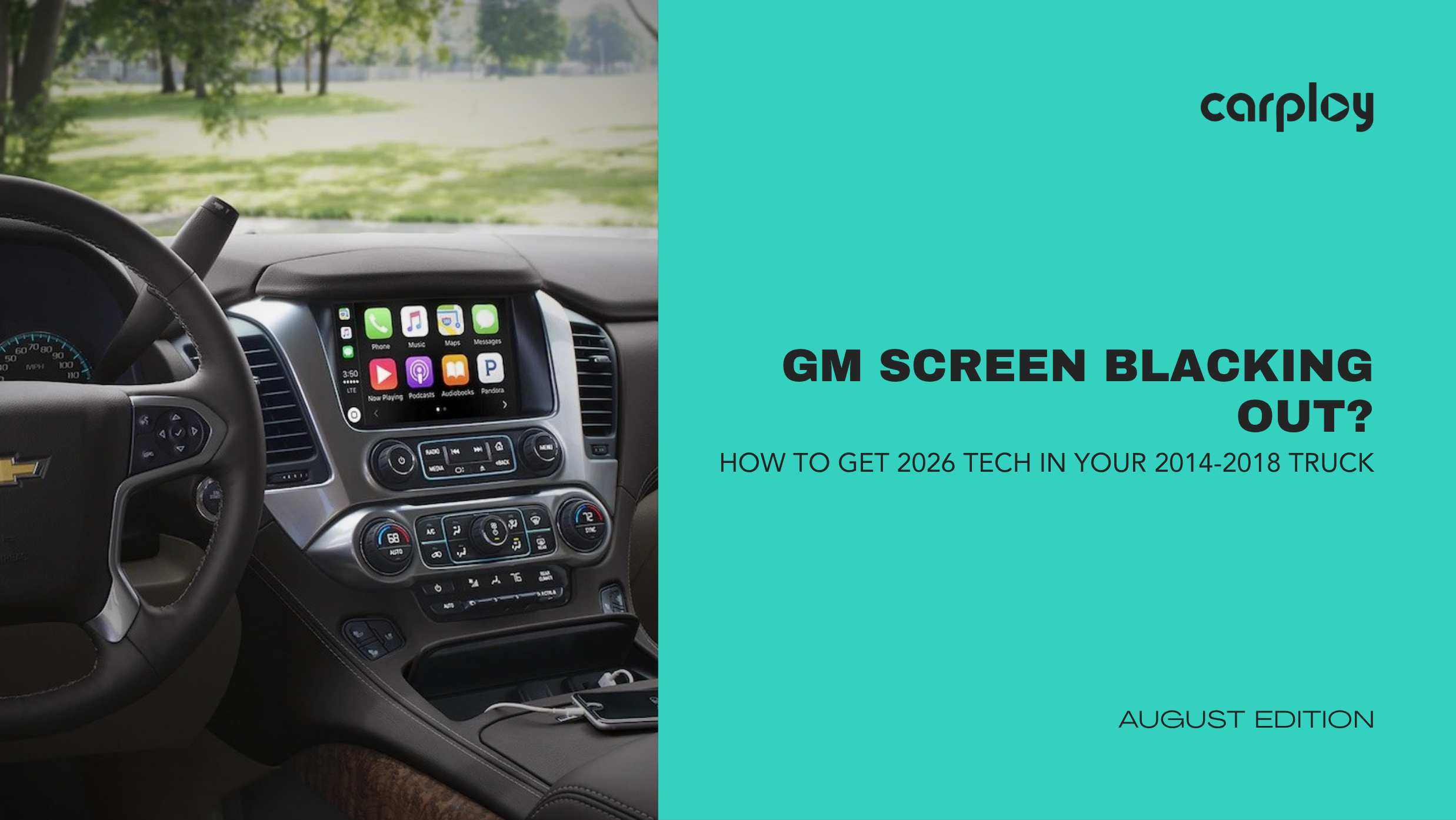
If you drive a 2014–2018 Chevrolet Silverado, GMC Sierra, Tahoe, Yukon or Suburban, you know the frustration. You turn the key and the MyLink or IntelliLink display flickers, freezes on the logo, responds to phantom touches or goes completely black.
The dealership solution? Pay for an outdated, refurbished unit that will likely fail again in three years. You do not need a new truck or a massive dealership bill to get a reliable, modern driving experience.
The Root Cause: Why 2014-2018 GM Screens Fail
The issue usually traces back to two specific components inside the dashboard:
- Digitizer Degradation: The touch glass wears out from temperature swings, causing ghost touches or dead spots on the display.
- HMI Module Burnout: The Human Machine Interface (HMI) module overheating causes delayed response, loss of backup camera feeds or total blackouts.
Replacing the entire assembly with aftermarket plastic dash kits often breaks your factory steering wheel controls, climate control readouts and native vehicle settings.
Diagnostic Checklist: Is Your Infotainment System Failing?
Before spending money on diagnostics, check for these standard failure signs:
- Phantom Touches: The radio changes stations or dials phone numbers automatically.
- Black Screen with Audio: Music plays through the speakers, but the display remains completely dark.
- Stuck on Chevy/GMC Logo: The system attempts to boot up endlessly without loading the main menu.
- No Backup Camera Feed: Shifting into reverse results in a blue screen or a black screen with no gridlines.
The Fix: Upgrade to 2026 Tech with Plug-and-Play Precision
You do not need to settle for 2014-era technology just to keep your factory functions. Upgrading the internal LCD, digitizer or updating to a fully flashed OEM-style module delivers modern features natively:
- Wireless Apple CarPlay & Android Auto: Cast maps, Spotify and messages automatically without plugging in a cable.
- HD Capacitive Touchscreen: Replace slow resistive glass with crisp, scratch-resistant capacitive displays.
- Factory Integration: Retain your original backup camera, Bose audio system, steering wheel controls and climate readouts.
- Zero Wire Cutting: Proprietary plug-and-play wiring harnesses connect directly into factory looms without voiding warranties.
Quick Installation Guide (Under 45 Minutes)
You can complete this repair at home with basic hand tools:
- Remove Dash Trim: Use a plastic trim tool to unclip the radio bezel around the center stack.
- Unbolt the Display: Remove the four 7mm screws securing the screen assembly to the dash.
- Disconnect Factory Looms: Unplug the color-coded factory harness connectors from the back.
- Connect & Mount: Plug in your new CarPlayNav upgrade unit using the custom harness, screw the display back into place, and snap the trim panel on.
Modernizing your truck's cabin takes under an hour, saves hundreds in labor and restores full functionality.
Ready to eliminate your dead screen and upgrade your daily drive? Visit CarPlayNav today to find the exact plug-and-play infotainment upgrade engineered for your specific Chevy or GMC truck year.


