

"Are we there yet?"
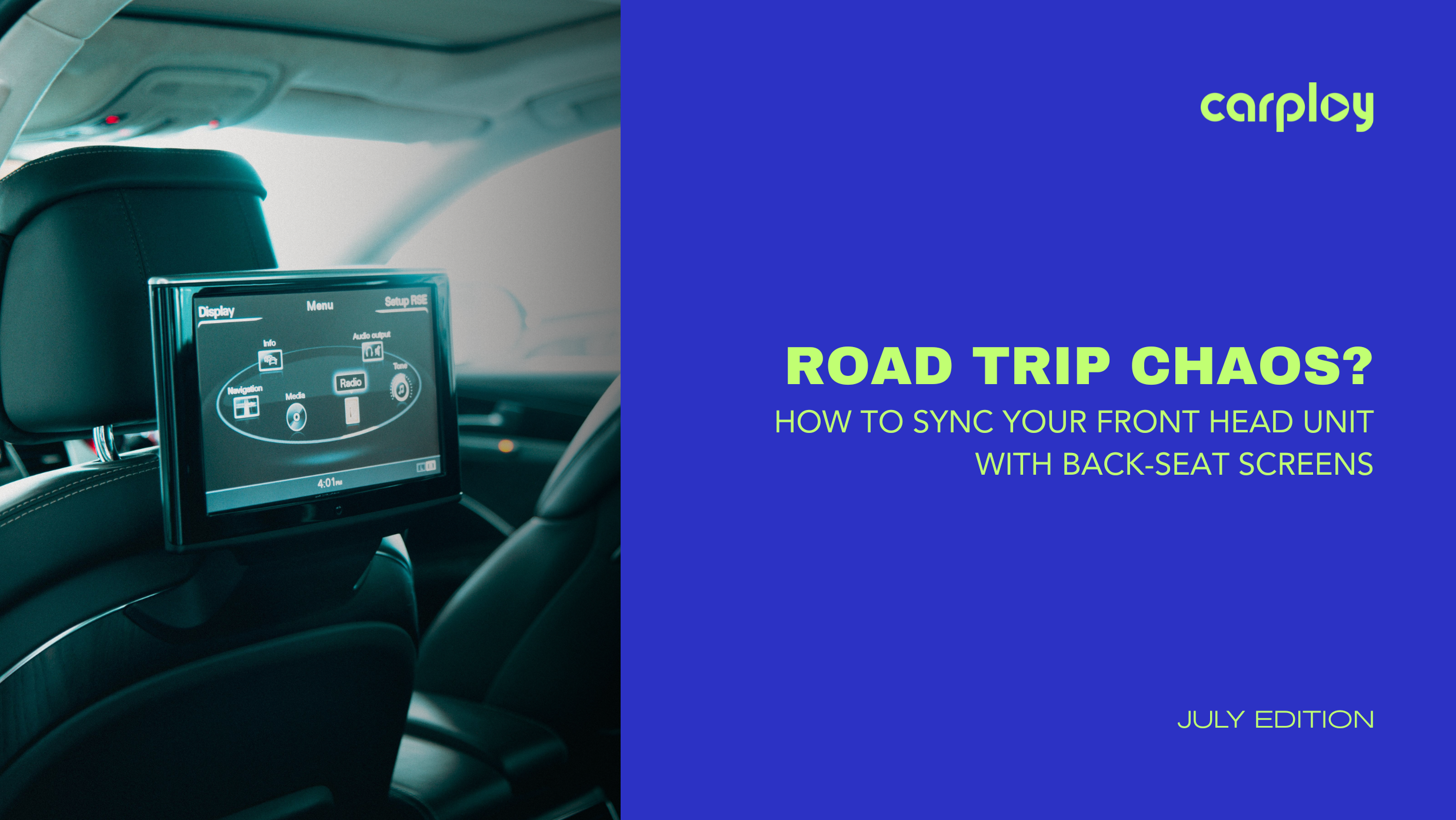
If you’ve heard this phrase on repeat, your vehicle’s entertainment system isn't doing its job. You want your front dashboard head unit playing your navigation, while your kids in the back are fully locked into their favorite movies.
Getting the front screen to talk to the back screens used to require a degree in electrical engineering and a mess of spliced wires. Today, it doesn’t have to. Here is how you can seamlessly sync your front head unit with rear-seat screens without the dealership price tag or installation headaches.
The Tech Behind the Sync: How It Actually Works
To send video from your dashboard to the back row, your front head unit needs a way to output its signal.
Modern infotainment upgrades handle this in one of two ways:
- RCA Video-Out: The classic yellow analog port. Simple, reliable and widely compatible with standard head units and aftermarket headrest monitors.
- HDMI-Out: The modern standard. It delivers high-definition digital video and audio through a single cable, perfect for modern high-resolution screens.
The Golden Rule of Syncing: Your front head unit acts as the brain (the source), while the rear monitors act as displays (the receivers).
To make them work in harmony, you need a high-quality wiring harness that splits the signal without losing video quality or causing system lag.
3 Steps to Sync Your Front and Rear Screens
Ready to upgrade your road trips? Use this quick checklist to get your system up and running.
1. Identify Your Outputs and Inputs
Pull your front head unit’s manual or inspect the back of the chassis. You are looking for a port labeled Video Out (either RCA or HDMI). Next, check your rear screens for a corresponding Video In port.
2. Grab a Dedicated Plug-and-Play Harness
Do not cut your factory wiring. A vehicle-specific bypass or integration harness plugs directly into your factory ports, splits the video signal safely and routes it to the back row while keeping your dashboard looking clean and stock.
3. Route the Cables Safely
Run your video cables from the back of the dash, down through the center console, and under the carpeting to the base of the seats. This keeps cables completely hidden and protected from feet, pets and cargo.
Why Cheap Adapters Aren't Worth the Hassle
It is tempting to grab a $5 splitter online, but cheap components cause immediate headaches:
- Signal Degradation: Fuzzy, flickering or rolling lines on the back screens.
- Audio Lag: The movie audio playing through the car speakers doesn't match the actors lips on the screen.
- System Crashes: Improper voltage draw can cause your dashboard head unit to overheat or reboot.
Investing in premium, vehicle-specific integration components ensures your factory system operates exactly as the engineers intended, just with way better features.
Modernize Your Ride with CarPlayNav
At CarPlayNav, we specialize in taking the guesswork out of DIY car audio upgrades. Whether you want to add Apple CarPlay to an older SUV, need a replacement touch screen digitizer or require a custom plug-and-play harness to sync your screens, we have you covered. All of our premium components are designed for a perfect factory-style fit, backed by fast shipping and expert support.
Stop settling for quiet, boring road trips. Explore CarPlayNav’s premium infotainment upgrades today and bring your vehicle's cabin into the modern era.
Talk to a Specialist
Not sure if your screen is repairable or if you’re better off with an upgrade? Our team is standing by to help you diagnose your specific issue and find the most cost-effective path forward.
Contact our support team here.


