

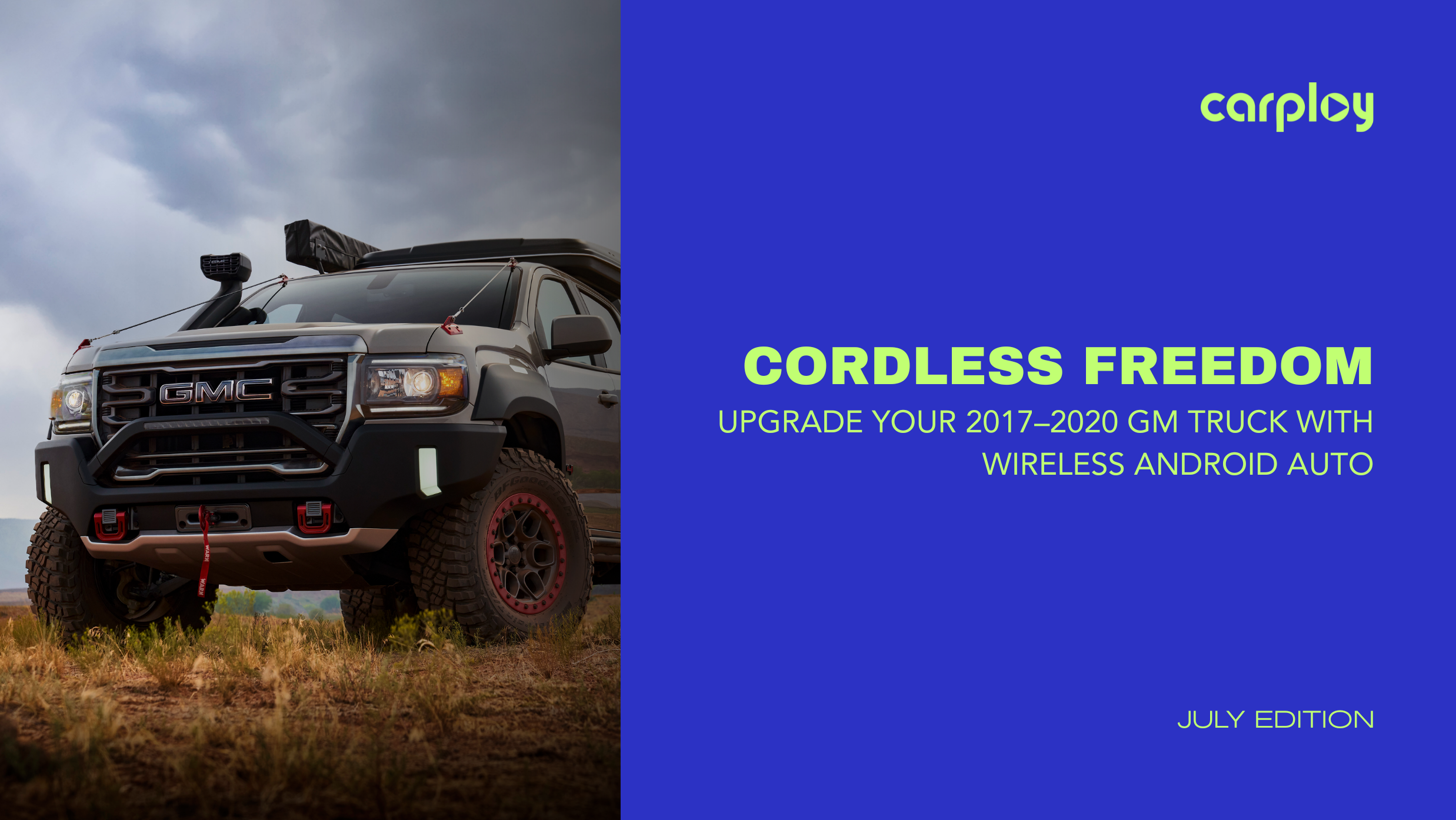
Driving a 2017 to 2020 Chevy Silverado or GMC Sierra means having a dependable, high-performing truck. But plugging your phone into an annoying USB cable every time you step into the cab quickly wears out its welcome. Cable disconnects mid-navigation, slow charging rates and cluttered consoles can spoil an otherwise great road trip.
If you want the convenience of seamless, wireless connectivity in your truck before your next big drive, here is everything you need to know about making the switch.
Why Older GM Infotainment Systems Require an Upgrade
Your truck’s factory MyLink or Infotainment 3 system offers solid audio and core features, but native wireless phone integration was not standard across most 2017–2020 GM trim levels.
Standard wired setups rely on continuous physical connections:
- Wear & Tear: Constant plugging and unplugging degrades both your phone's charging port and the truck's dash USB port.
- Bandwidth Bottlenecks: Older factory USB hubs often drop connections when running data-heavy apps like Google Maps and Spotify simultaneously.
- Cable Clutter: Loose cords clutter your center console and create unnecessary driving distractions.
Upgrading to a dedicated wireless module or updated interface unlocks 5GHz Wi-Fi and Bluetooth protocol streaming, letting your phone stay in your pocket while your dashboard instantly boots up Android Auto.
Diagnostic Checklist: Is Your Truck Ready for a Wireless Upgrade?
Before purchasing any aftermarket hardware, check off these three compatibility factors:
- Factory Screen Check: Does your truck have the 7-inch or 8-inch OEM color touchscreen display?
- Wired Functionality: Does your current system support wired Android Auto when plugged in?
- Dash Port Integrity: Are your factory USB ports supplying clean power without dropping out intermittently?
Pro Tip: If your screen is cracked, unresponsive or experiencing "ghost touches," replacing the digitizer or screen glass first is essential to ensure smooth touch controls with wireless Android Auto.
Step-by-Step: How to Add Wireless Android Auto in Under 15 Minutes
Modernizing your truck's dash does not require expensive dealership visits or cutting factory wiring harness lines.
- Select a Plug-and-Play Solution: Choose an OEM-grade wireless adapter or updated interface module designed specifically for GM radios.
- Locate the Primary USB Port: Identify the main data-enabled USB port inside your center console or lower dash stack.
- Plug In & Pair: Insert the adapter, open your smartphone's Bluetooth settings and pair with the device.
- Authorize Android Auto: Allow the prompt on your phone and factory display screen to permit automatic wireless connection upon engine start.
Elevate Your Drive with CarPlayNav
At CarPlayNav, we engineer factory-style infotainment upgrades that perform like they came straight from the assembly line. Every product we sell features 100% plug-and-play installation, no wire splicing, no voided warranties and no dashboard hacking required.
Whether you need a direct-fit wireless Android Auto adapter, a replacement touch digitizer, or a full HD factory radio upgrade, our solutions come backed by fast US/Canada shipping and dedicated technical support.
Modernize Your GM Truck Today
Don't settle for tangled cords on your next road trip. Explore CarPlayNav's full lineup of custom-fit GM infotainment upgrades, replacement screens and plug-and-play harnesses to unlock modern wireless freedom in your truck today.


