

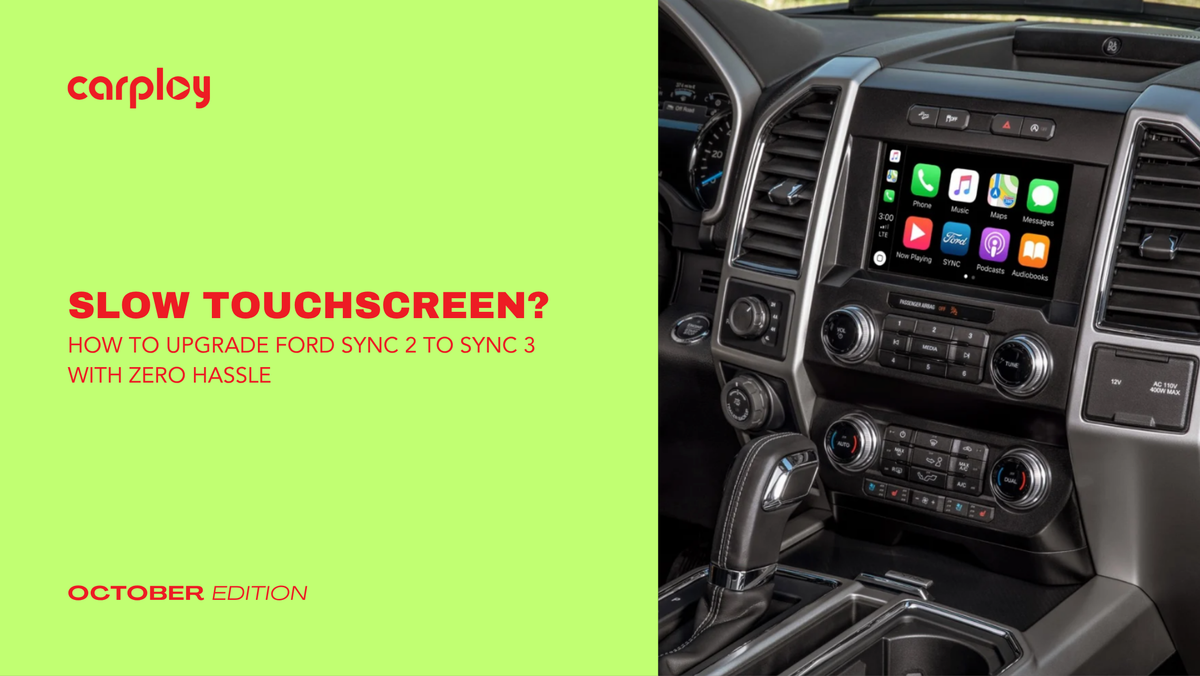
If your Ford or Lincoln vehicle is equipped with Sync 2 (also known as MyFord Touch), you know the pain, a sluggish resistive touchscreen, slow voice commands, four quadrant screens that feel outdated and zero support for modern smartphone integration.
Upgrading from Sync 2 to Sync 3 is the single most effective hardware upgrade you can make to your interior. It replaces the old laggy interface with a responsive capacitive display, built-in Apple CarPlay, Android Auto and lightning-fast processing speeds, all while keeping every factory feature you already rely on.
Sync 2 vs. Sync 3: Why the Upgrade Is Night and Day
While both systems feature an 8-inch screen in your dashboard, what lies behind the panel is completely different:
- Capacitive vs. Resistive Touch: Sync 2 uses an old-style resistive screen that requires firm pressure to register taps. Sync 3 features a modern capacitive touchscreen, just like your smartphone, that responds instantly to light taps and multi-touch gestures like pinch-to-zoom.
- Apple CarPlay & Android Auto: Sync 2 does not support native smartphone mirroring. Sync 3 brings Google Maps, Waze, Apple Maps, Spotify and hands-free messaging directly to your dash.
- Speed & Performance: Sync 3 operates on QNX hardware with significantly higher processing power, eliminating the multi-second response delays common on Sync 2.
How the Sync 2 to Sync 3 Upgrade Works
Because Sync 2 already uses an 8-inch bezel, the physical transformation is clean and direct. You are replacing the core electronic components behind the dash.
Step 1: Access the Radio Compartment
Using a plastic trim tool, gently pry off the center dash bezel surrounding the radio and climate control buttons. Remove the 7mm mounting screws holding the factory screen and APIM (Accessory Protocol Interface Module) assembly in place.
Step 2: Swap the APIM & Screen Assembly
Disconnect the main harness and radio antenna cables from the rear of the Sync 2 unit. Unbolt the old screen and APIM, then mount the upgraded Sync 3 APIM and capacitive screen assembly using your original factory bracket mounting points.
Step 3: Connect the GPS Antenna & Apple CarPlay USB Hub
- GPS Antenna: Sync 3 requires a dedicated high-speed GPS antenna (mounted easily inside the upper dash panel) to maintain accurate location tracking and clock synchronization.
- USB Media Hub: The older Sync 2 USB port in your center console does not supply enough power or communication protocol for Apple CarPlay. Swap out the center console media hub with an upgraded Sync 3-compatible USB module and use a simple wiring adapter to power it.
Step 4: Reassemble & Enjoy
Plug the main factory harness directly into the new Sync 3 module, secure the mounting screws, reattach the trim panel and start your engine.
Pre-Purchase Checklist for Sync 2 Owners
To make sure your transition is 100% plug-and-play without losing factory functionality, check these three key details:
- Factory Features: Ensure your replacement APIM is properly pre-programmed for your vehicle’s VIN so you maintain heated/cooled seats, climate controls, steering wheel buttons and factory backup cameras.
- USB Hub Size: Depending on your Ford model (e.g. F-150, Mustang, Explorer, Fusion), center console USB hub cutouts vary between wide and narrow shapes. Make sure you select the correct hub adapter.
- No Wire Cutting Required: A true OEM-style conversion requires no cutting, splicing or custom wiring work.
Transform Your Ford’s Interior Today
You don't need to trade in your truck or SUV just to get modern navigation and smartphone connectivity. Upgrading from Sync 2 to Sync 3 gives you a factory-fresh infotainment experience without high dealer service charges or aftermarket fitment issues.
At CarPlayNav, we specialize in pre-programmed OEM-style Sync 3 upgrade packages, custom plug-and-play harness adapters and CarPlay-compatible USB hubs designed specifically for Ford and Lincoln vehicles.
Ready to leave laggy menus behind? Discover complete Ford Sync 2 to Sync 3 Upgrade Kits at CarPlayNav.com and modernize your drive today.


