

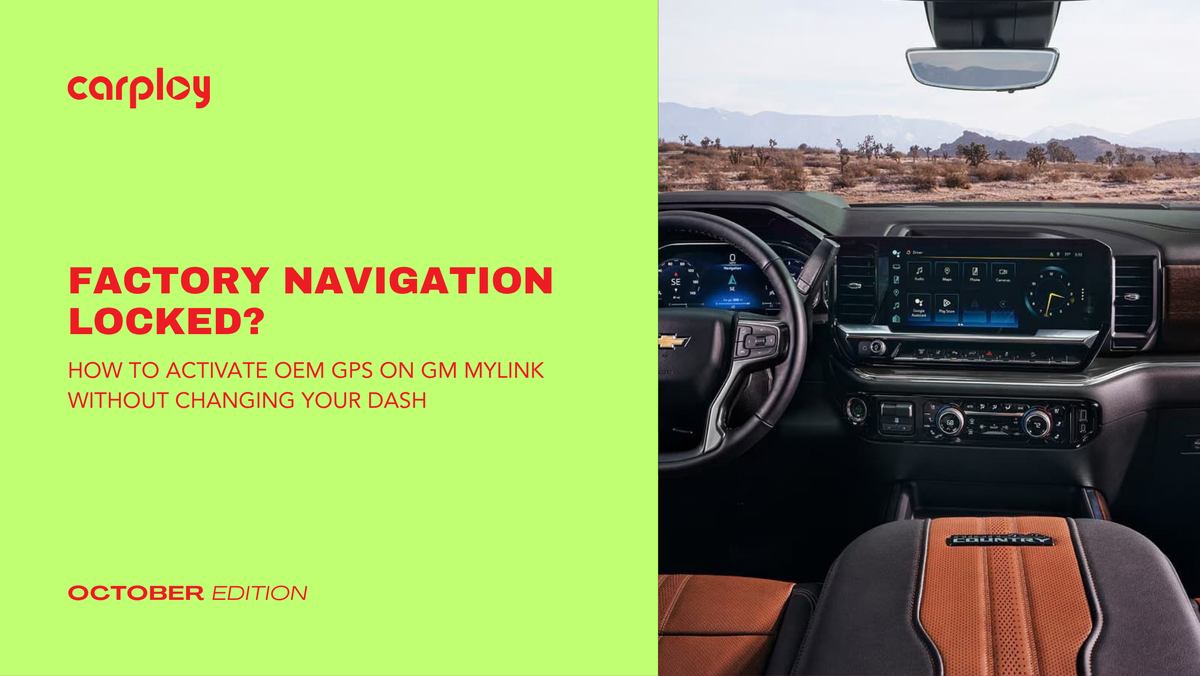
Driving a GM truck or SUV with a blank "Navigation" icon or a missing map feature is frustrating. You bought a vehicle capable of high-trim features, but the original buyer skipped the factory GPS package, leaving you stuck with a limited screen or relying on a phone mount that clutters your dashboard.
Replacing your entire infotainment center with cheap aftermarket units often causes more headaches than solutions. You lose steering wheel controls, climate integration and the clean OEM look. The good news? You do not need to tear out your dashboard or settle for clunky modifications to get full GPS functionality.
The OEM Architecture: Why Your GM Screen Already Has the Hardware
Most 8-inch GM MyLink and IntelliLink infotainment systems (found across Chevy Silverado, Tahoe, GMC Sierra and Yukon models) share the same underlying hardware platform. GM manufactures these modules with built-in graphical capabilities, but locks the navigation feature at the software and module level based on the trim level purchased at the dealership.
When you attempt to upgrade through a local dealership, they typically quote thousands of dollars for a complete system swap. In reality, activating factory navigation requires three core components:
- An Unlocked OEM Module: Pre-programmed to match your vehicle's exact VIN (Vehicle Identification Number).
- A High-Gain GPS Antenna: Positioned discreetly inside the dash to communicate directly with global positioning satellites.
- Plug-and-Play Integration: Custom wiring harnesses that feed signal data into your existing screen without cutting or splicing factory wires.
Because the system uses your original screen and radio brain location, all factory features, like backup cameras, steering wheel buttons and vehicle settings, remain 100% operational.
Diagnostic Checklist: Is Your GM System Eligible for Activation?
Before preparing for an upgrade, verify your current hardware setup using this quick checklist:
- Screen Size: Do you have the factory 8-inch color touchscreen display?
- System Type: Does your display show the Chevrolet MyLink or GMC IntelliLink home screen?
- Backup Camera: Does your factory reverse camera display clearly on the screen today?
- Dash Condition: Is your original touchscreen glass and digitizer intact without cracks or touch dead zones?
If you answered Yes to these points, your vehicle's underlying setup is fully compatible with direct factory GPS activation solutions.
Factory-Style Upgrades Coming Soon to CarPlayNav
Achieving a seamless, factory-grade navigation upgrade shouldn't require complex electrical work or high dealership labor fees. While we currently offer high-performance screen replacements, digitizers and Apple CarPlay/Android Auto harnesses for popular platforms, we are actively expanding our catalog.
CarPlayNav will soon be launching custom, 100% plug-and-play GM MyLink activation kits engineered specifically for North American truck and SUV owners. Our upcoming kits will arrive pre-configured to your specific VIN, meaning zero dealer flashing fees, zero wire cutting and no permanent dash alterations.
Stay Ahead of the Curve
Upgrading your GM infotainment system doesn't mean sacrificing factory styling or wasting money at the dealership. By utilizing pre-programmed OEM-spec modules and dedicated plug-and-play harnesses, unlocking full factory GPS navigation right from your original screen is right around the corner.
Want to be the first to know when our GM MyLink navigation kits drop? Explore our current lineup of OEM-style infotainment upgrades at CarPlayNav and join our notification list to get launch updates delivered straight to your inbox.


