

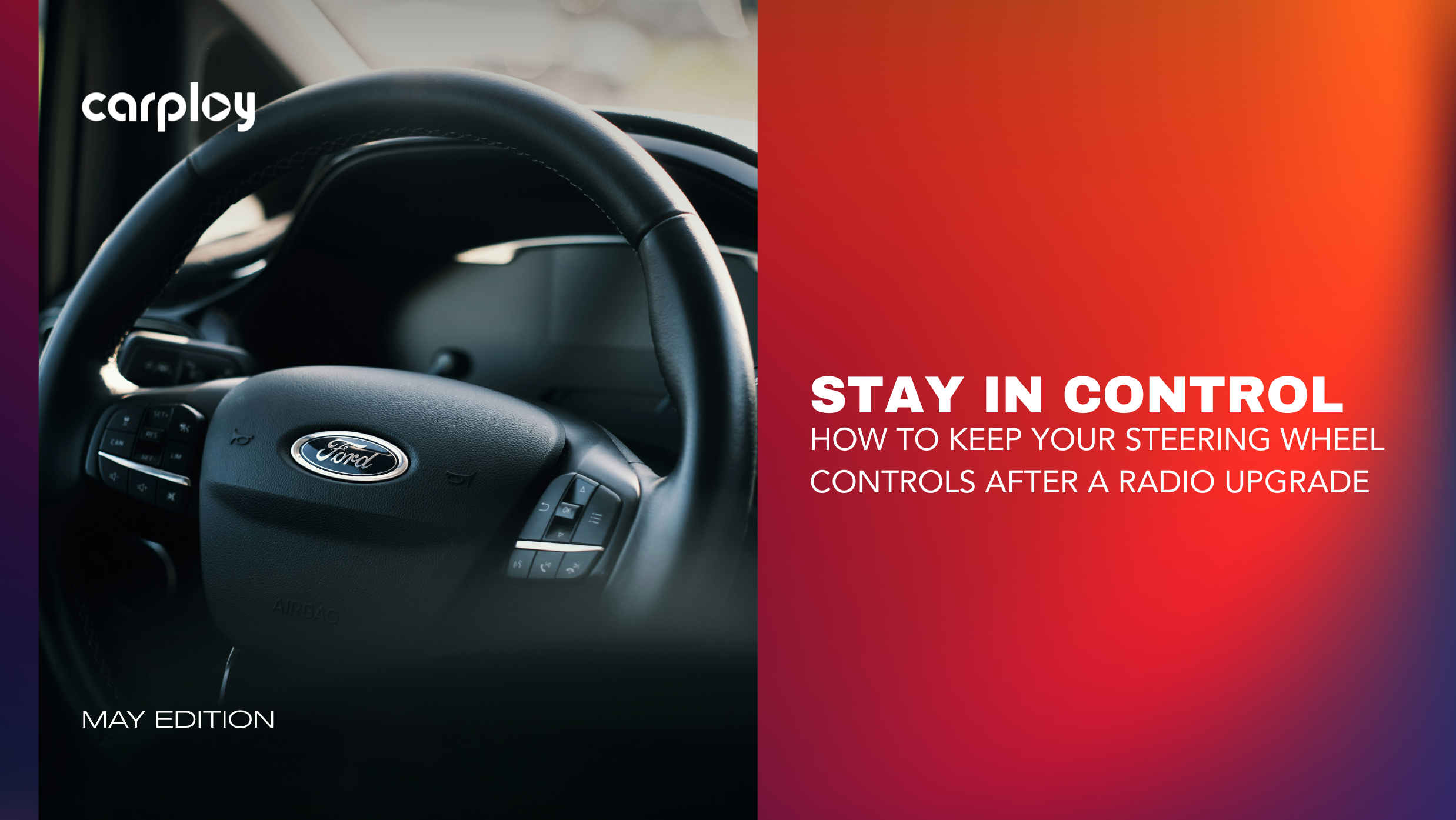
You just installed a shiny new touchscreen radio. It looks great, but your steering wheel volume and track buttons no longer work.
Losing your steering wheel controls (SWC) is a massive headache. It forces you to take your eyes off the road just to turn down a song.
Fortunately, you don't have to give up your factory buttons to get modern features like Apple CarPlay. Here is the quick fix.
Why Did the Buttons Stop Working?
Your factory buttons speak a specific language.
- Older vehicles use voltage signals (resistive systems).
- Modern trucks and SUVs (like RAM, Jeep, Ford and GM) use digital data (CAN-bus systems).
A standard aftermarket radio doesn't understand these signals out of the box. Without a translator, the radio simply ignores your button presses.
The 3-Step Fix for DIYers
To keep your buttons working, skip the cheap universal parts and follow these three steps:
- Use a Plug-and-Play Harness: Avoid universal wiring that requires cutting and soldering. A vehicle-specific harness plugs directly into your factory wiring.
- Add a CAN-bus Decoder: This is a small electronic module that acts as a translator, instantly sending your steering wheel commands to the new screen.
- Map the Buttons: Many modern screens have an "SWC" menu in the settings. Open it up to test your buttons or customize what they do.
Get a Guaranteed Fit with CarPlayNav
Why waste hours troubleshooting mismatched wires?
At CarPlayNav, our premium infotainment upgrade kits are built specifically for your vehicle. We include proprietary plug-and-play wiring harnesses and pre-programmed digital decoders designed for RAM, Jeep, Ford, GM and more.
You get modern Apple CarPlay and Android Auto, while keeping 100% of your factory steering wheel controls, no cutting, no splicing and no guesswork.
Summary
Don't sacrifice safety for new tech. By using the right vehicle-specific harness, you can upgrade your radio and keep your hands on the wheel.
Ready for an easy upgrade? Visit CarPlayNav, plug in your vehicle's year, make and model and find your perfect, fully compatible kit today!
Talk to a Specialist
Not sure if your screen is repairable or if you’re better off with an upgrade? Our team is standing by to help you diagnose your specific issue and find the most cost-effective path forward.
Contact our support team here.


